Give attendees a say in when you meet. Vote on times, then let Scheduler tally responses and confirm the winning time. No back-and-forth, no spreadsheet, no sweat.
Select a language

Give attendees a say in when you meet. Vote on times, then let Scheduler tally responses and confirm the winning time. No back-and-forth, no spreadsheet, no sweat.
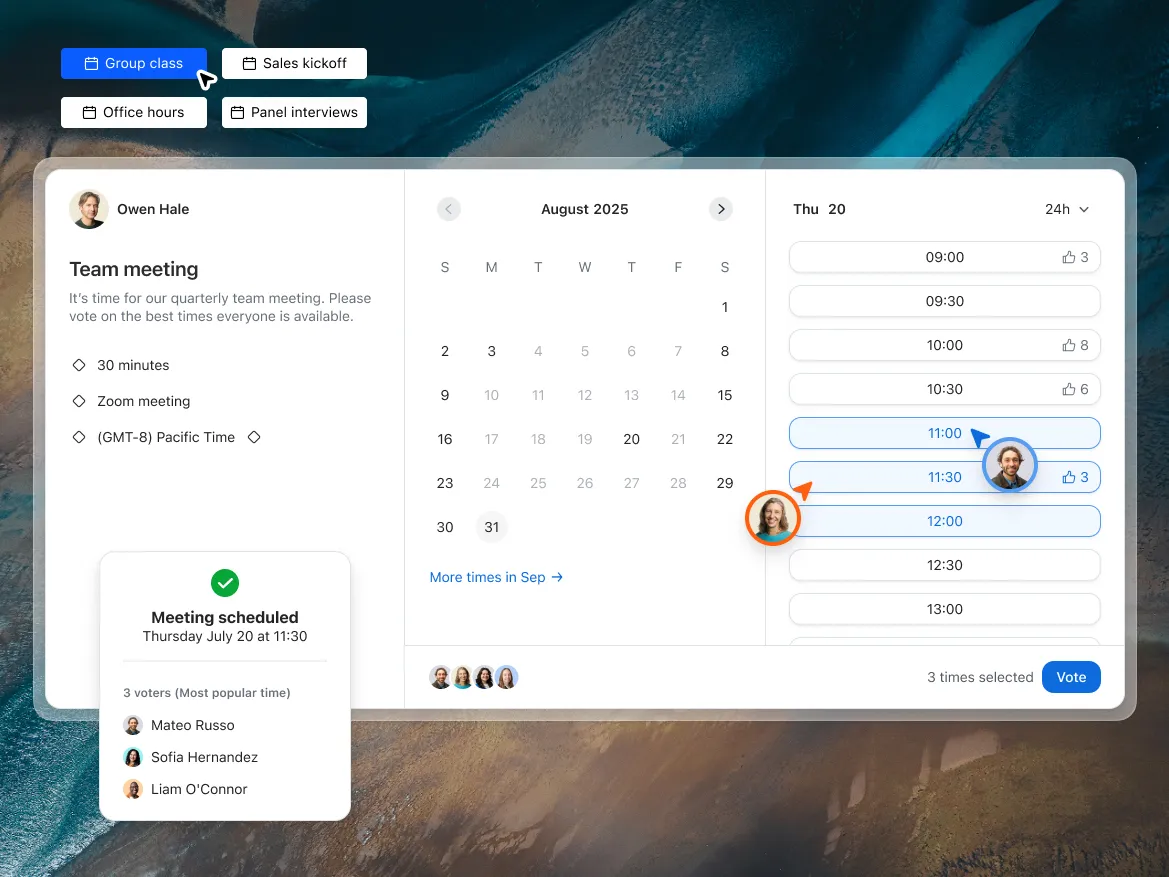
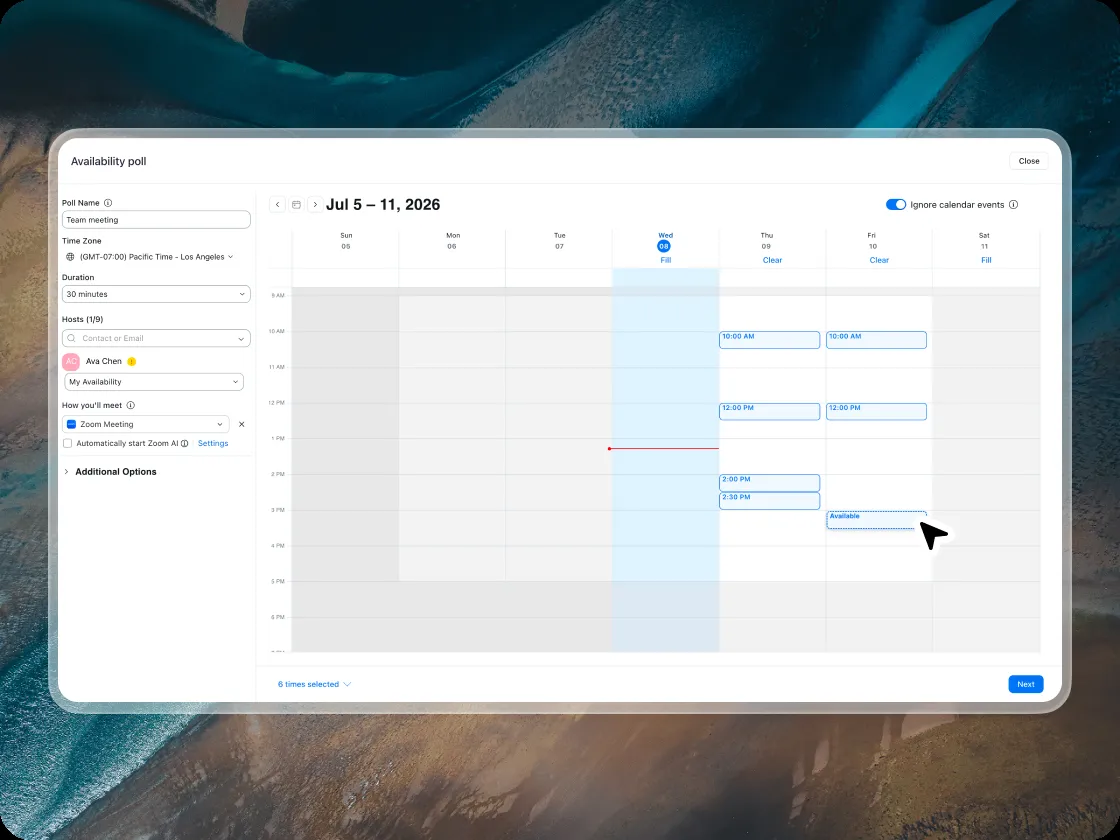
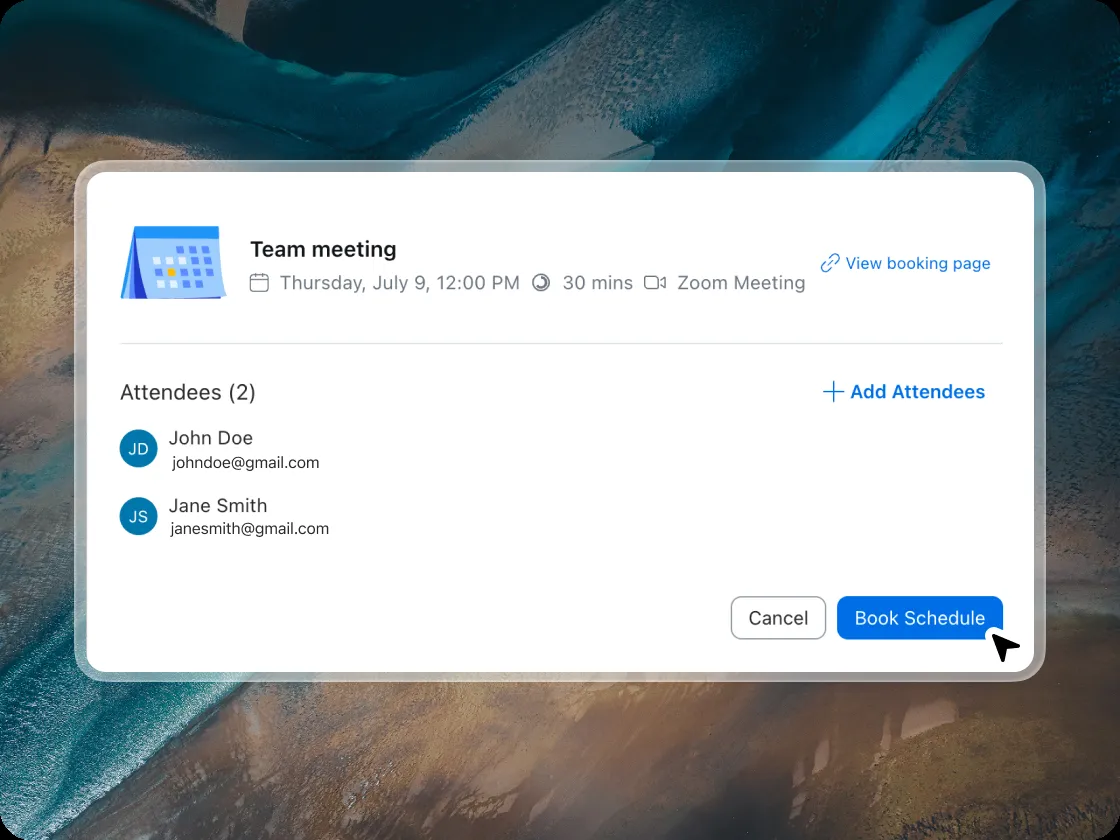

When you need most or all of a group present and want to give people input on timing rather than dictating a time.

Let the client choose a time that suits them rather than sending a single option that may not work.

Coordinate across multiple interviewers and a candidate without endless email chains.

Gauge availability across a cohort before committing to a recurring time slot.

Propose options across windows that work across multiple time zones and let the group surface what actually overlaps.

Groups of 3+ where preferences matter
1:1 meetings, or when your schedule is the priority
You propose times; attendees vote
Free tier - 1 event
You share availability; attendee(s) pick a slot
You choose the winning time
Automatic upon booking
Yes, on confirmation
Yes, immediately on booking
Both scheduling polls and booking pages come free with Zoom Scheduler. Learn more

Discover the full Zoom Workplace experience.
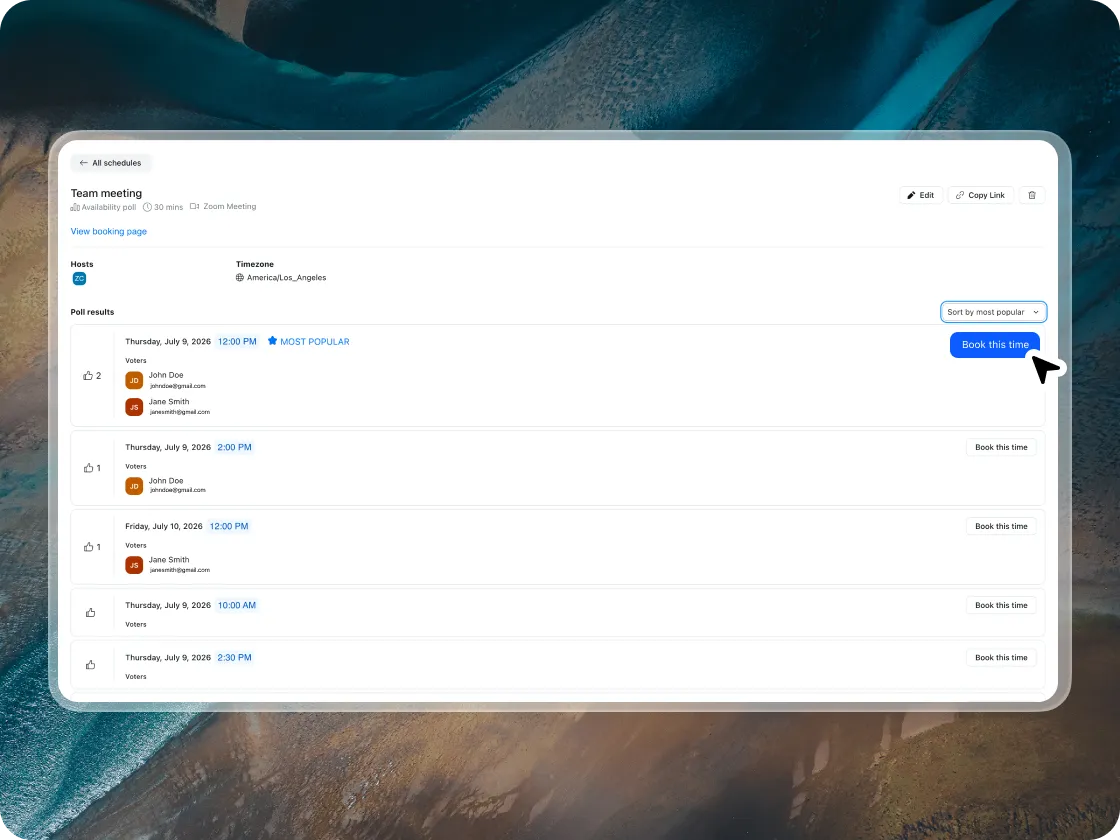
A scheduling poll lets a meeting organizer propose several potential meeting times and invite attendees to vote on which ones work for them. Once everyone has responded, you can see which time has the most support and confirm the meeting. The scheduling software then sends calendar invites and video meeting links to all attendees automatically.
Scheduling polls are most useful for group meetings where you don't already know everyone's availability — especially when coordinating across teams, time zones, or external participants.
Yes. Scheduling polls are available on Zoom Scheduler's free plan (Scheduler Basic). No credit card required.
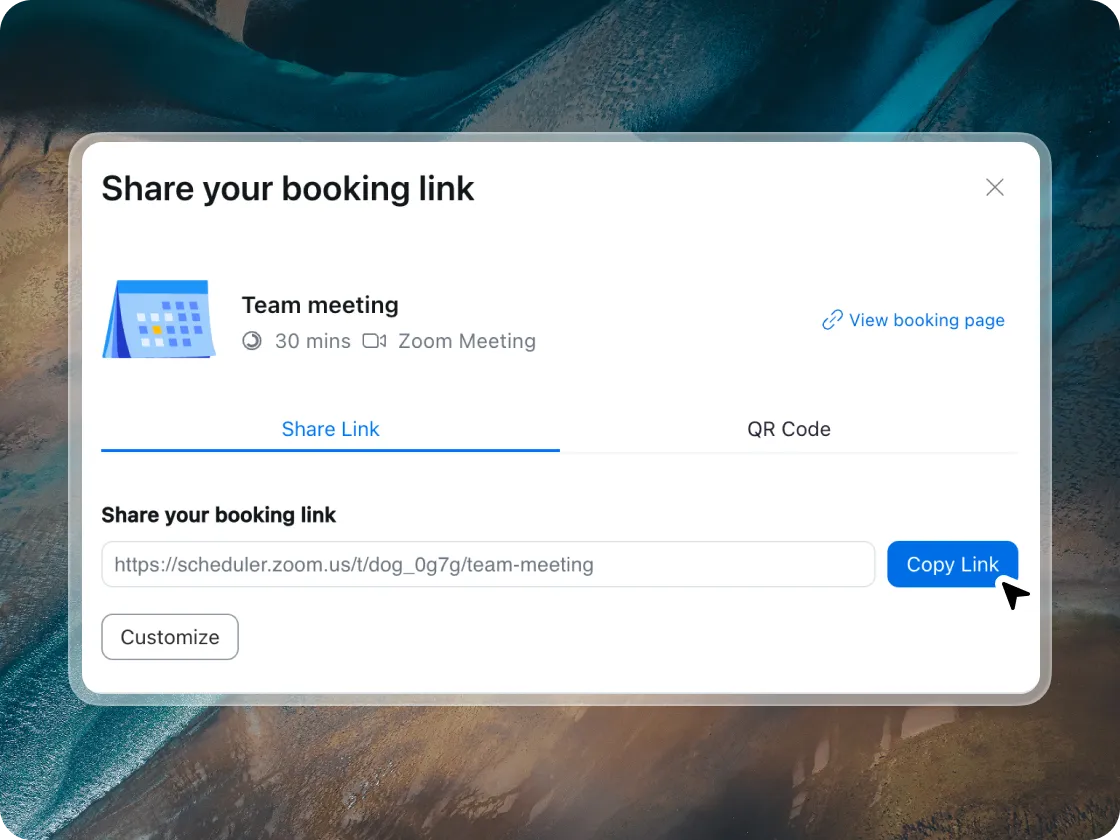
No. Anyone with the poll link can vote on times — no account, no app, no download required.
Yes, Scheduler can integrate with Google Calendar and Outlook. When a date and time is agreed upon, the event can be automatically created on your calendar and invites will be sent to invitees.
There's no hard cap on the number of options. In practice, 3–6 slots tends to generate faster responses; too many options can lead to decision paralysis.
Both let a group vote on meeting times. Zoom Scheduler's scheduling poll has a key advantage: when you confirm the winning time, it automatically generates a Zoom meeting link and sends calendar invites to all participants. With Doodle, you still have to manually create the Zoom meeting link and notify everyone separately.
Scheduling polls work best for one-off group coordination. For recurring meetings where you need a consistent time slot, a group booking page is better — attendees pick from your regular weekly availability rather than voting each time.
You see a summary of which times received the most votes. Confirm the winning slot and Zoom Scheduler sends calendar invites and Zoom meeting links to all attendees automatically.
ZoomMate is available with eligible paid Zoom Workplace plans. May not be available for all regions or industry verticals. Learn more