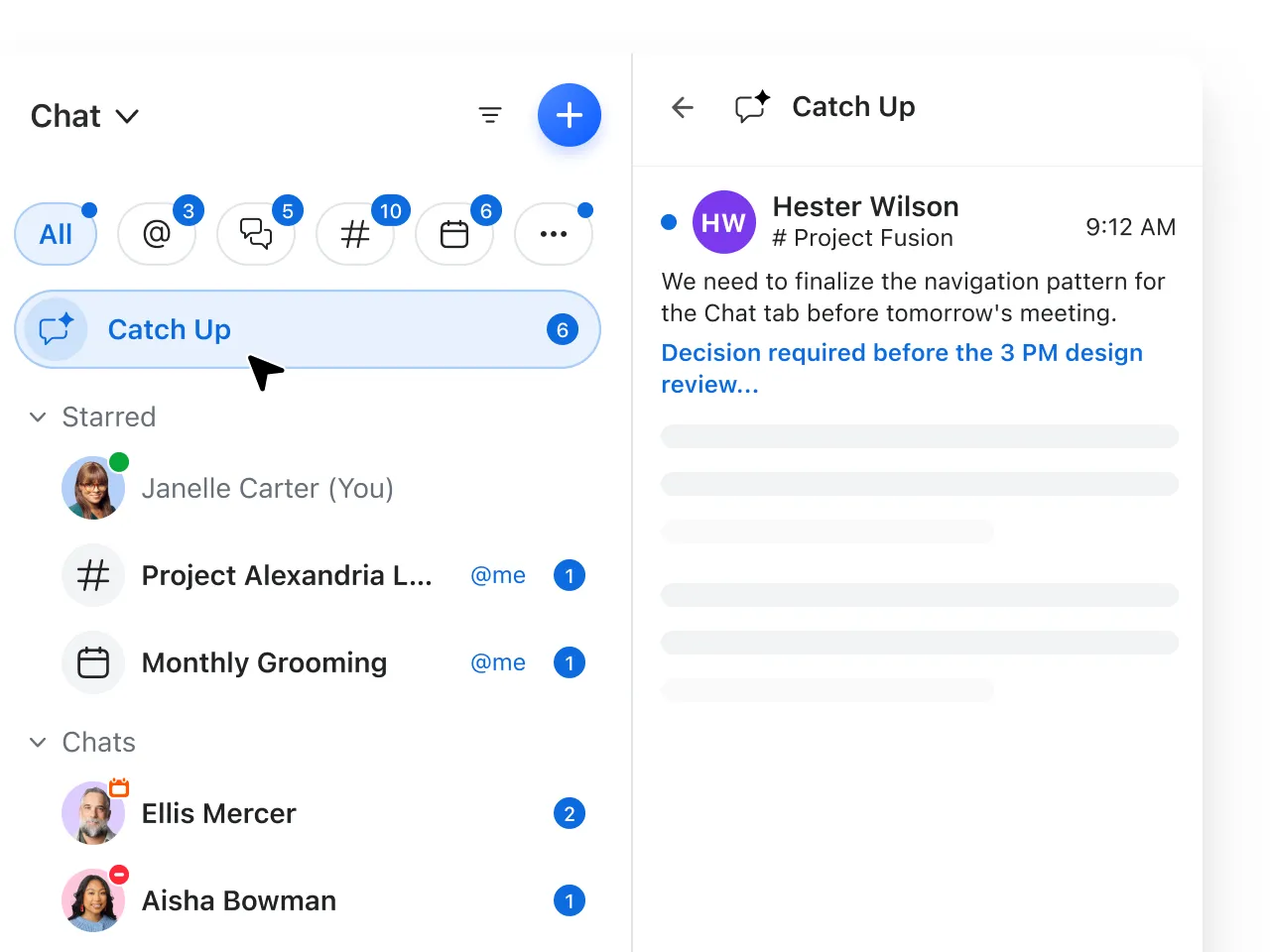
Stay focused with the Spotlight feature, which uses AI and your work to prioritize your most important messages, tasks, and updates. (Coming soon)
Quickly reply with AI smart suggestions
Get smart AI suggestions for replies based on the context of your message thread and simply click and send, or edit and expand.
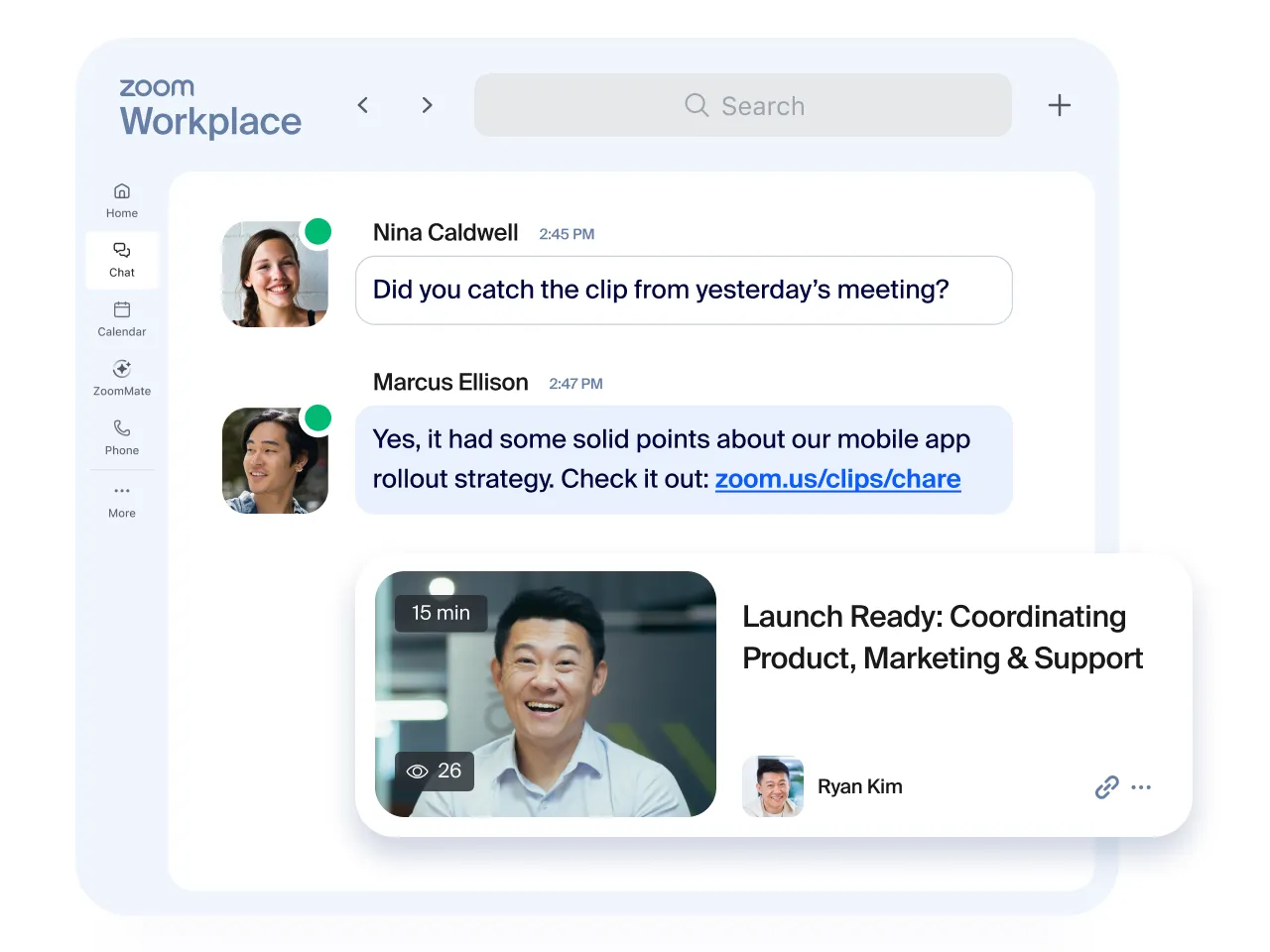
Create video updates (no meeting necessary)
Enter a script (or let AI write it), choose an avatar (based on you or a template), and AI generates a clear, shareable video update. No camera or editing needed.
Personalize your chat sidebar
Make Zoom Chat more “you.” Organize messages, meeting chats, and channels how you want them. Create folders, add color themes, even customize channel icons with emojis.
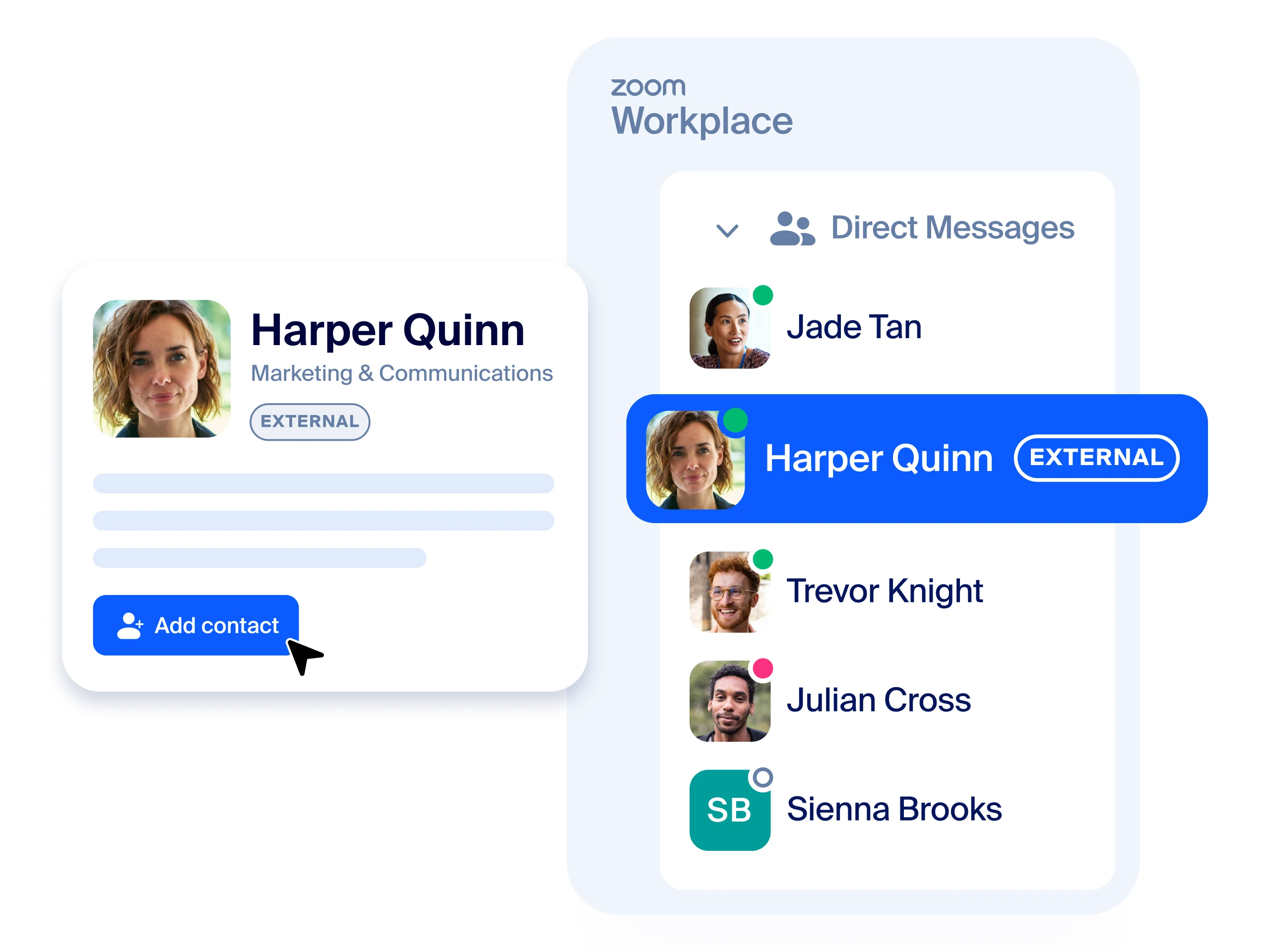
Easily add external contacts to chats
Seamlessly and securely invite and manage outside contacts — just scan their Zoom QR code, input their email address, or share a direct link.
See your team’s availability
Automatic status indicators show when a contact is available, offline, in an event or Zoom meeting, or even presenting. Set your own status message to share your current and future availability.